
Issue.
Create and personalize TrustPoint credentials through a guided workflow.

Issue and manage TrustPoint smart-card credentials through a clear Windows workflow—with your keys under your control.

Create and personalize TrustPoint credentials through a guided workflow.
Check credentials and review their certificate information.
Keep credential records organized throughout their lifecycle.
The challenge
For many organizations the card itself is the weak point: a Prox or MIFARE card is just a number with no cryptographic identity, and it can be cloned without the access system ever knowing.
Government agencies
Agencies have established PIV programs for federal employees. The gap is the people around them: contractors, new hires waiting for PIV issuance, temporary staff and recurring visitors. They need access to controlled facilities but don't hold a PIV or CAC card.
Defense contractors
CMMC Level 2 asks defense contractors to meet the Physical Protection controls in NIST SP 800-171, including audit logs tied to individual identity. Prox and MIFARE cards can't provide that, and a full PKI deployment, often with a PACS replacement, is out of reach for many smaller contractors.
| Current approach | The resulting problem |
|---|---|
| Issue a Prox or MIFARE card | No cryptographic identity. Card numbers can be cloned, and the audit log records a number, not a verified person. |
| Wait for full PIV issuance | PIV issuance for contractors can take weeks or months. Blocking access in the meantime is impractical. |
| Join the Federal PKI Bridge | Enrolling in a federal trust chain is complex and expensive. |
Authara closes the gap. Issue PIV-compatible TrustPoint Cards from your own domain, own the key pair, and keep the access control system you already have.
How it works
Create and personalize PIV-compatible TrustPoint Cards. Authara coordinates on-card key generation, certificate signing, identity information and cardholder PIN setup through the TrustPoint Desktop Reader. Temporary credentials are supported when your policy calls for a shorter validity period.
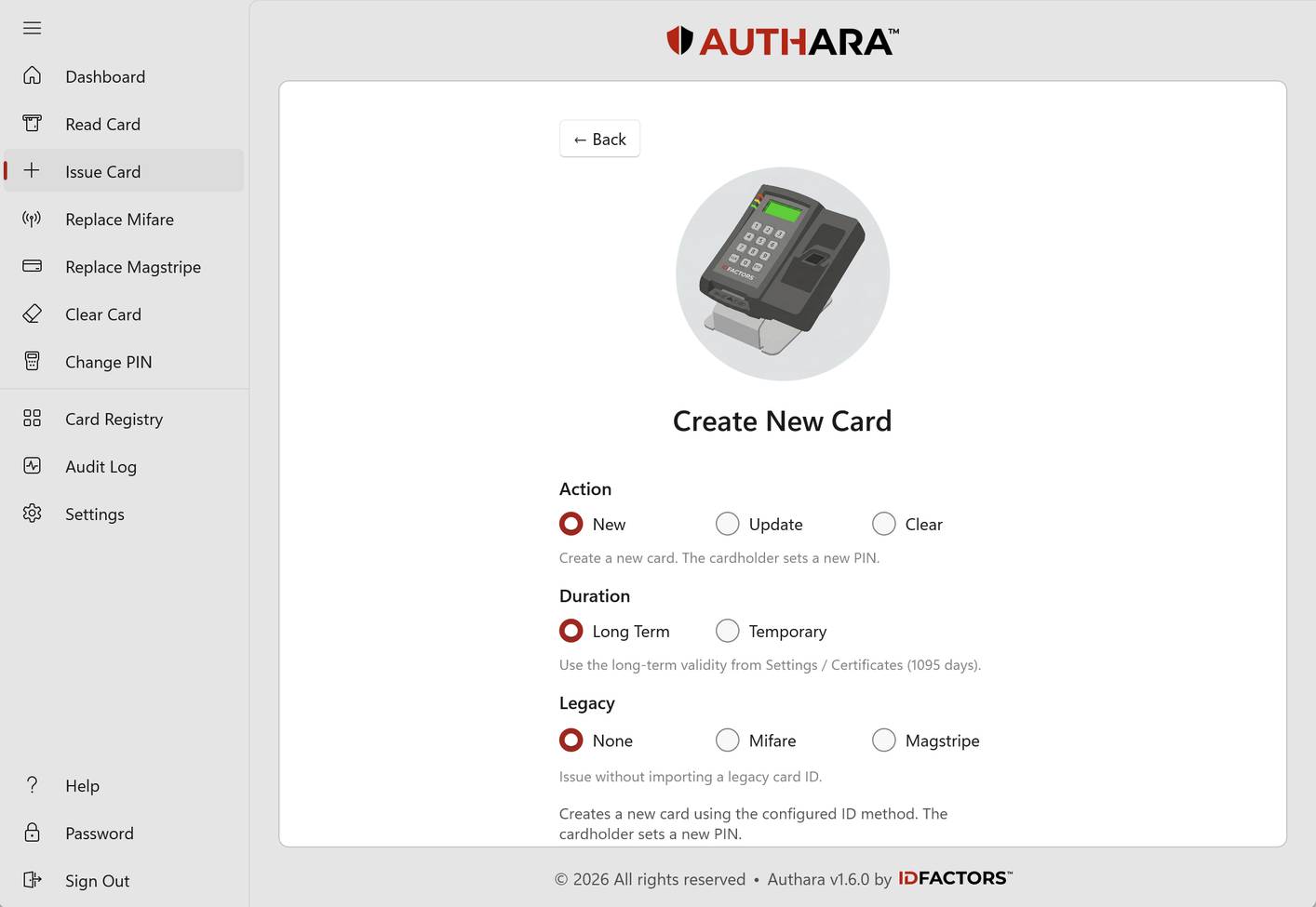
The officer manages issuance in Authara while the cardholder uses the TrustPoint Desktop Reader to enter or change their PIN. The reader supports contact and contactless cards, and its display guides both people through the process.

Credential lifecycle
A PIV-compatible credential for secure physical access, with optional Microsoft AD logical access.
Current scope Authara manages issuance, certificate status and audit history. Future CMS/PACS integration will propagate credential-status changes.
Security design
Authara coordinates the process. Dedicated hardware performs the sensitive card operations.
Cardholders enter their card PIN on the TrustPoint Desktop Reader's keypad, not on the computer.
Private keys generated on the card are used there, and never exported to the desktop application.
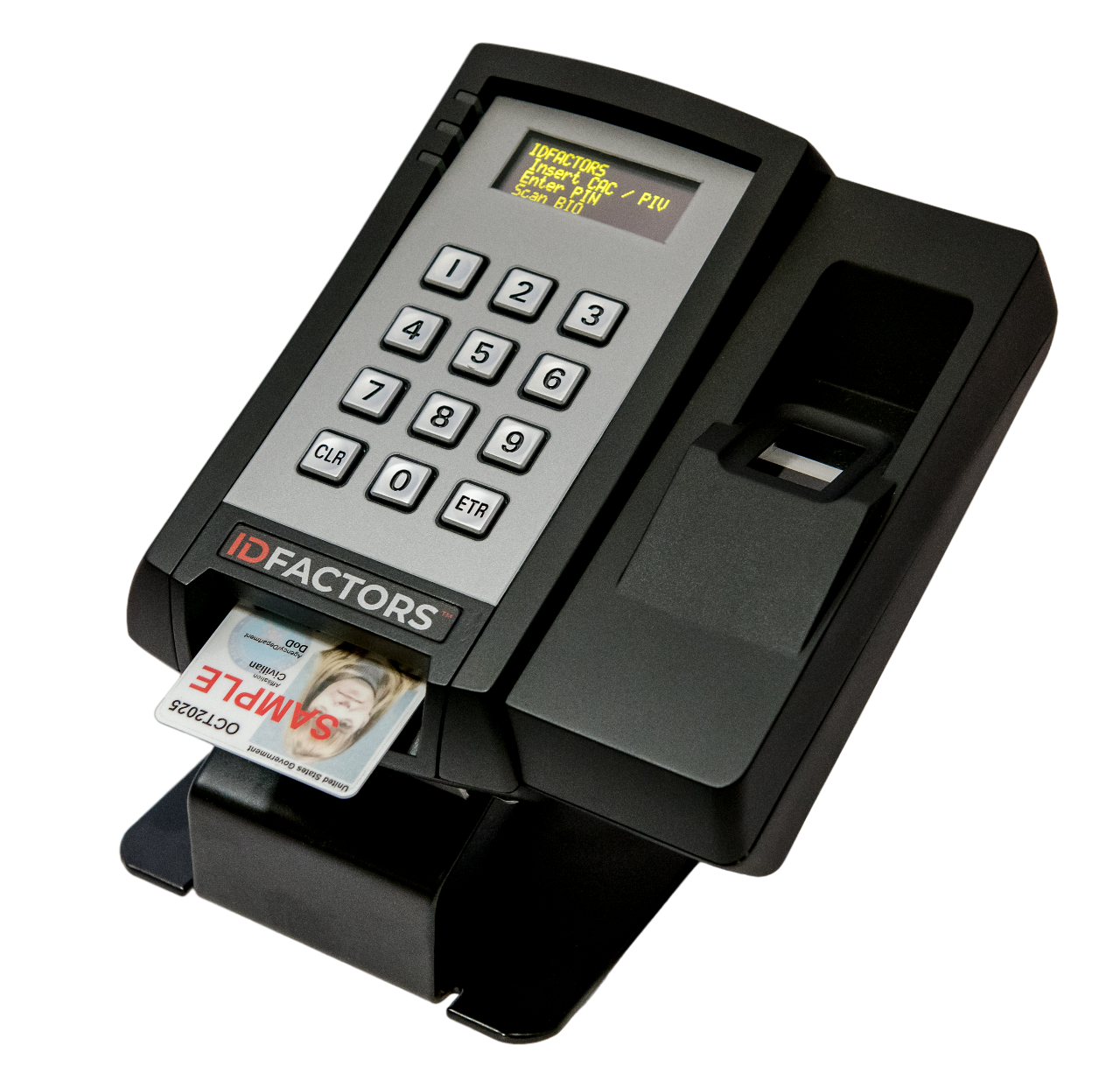
A separate YubiKey 5 or YubiHSM 2 holds the CA signing key and signs certificates. Authara supports both options. The signing key stays on the selected hardware.
Administrator, Manager and Operator roles control who can use each function.
Deployment
Authara runs on a Windows workstation and keeps its operational records locally. An offline installer supports restricted and air-gapped environments, and core credentialing works without a cloud service.

Integrations
Physical-access credential issuance does not require Microsoft AD integration. For optional Windows domain logon, use supported Microsoft Active Directory Certificate Services workflows to prepare smart-card credentials for Windows domain logon, alongside the required enterprise trust, account mapping and policy configuration.
Credentials can carry the cardholder's legacy PACS ID in the certificate, so your PACS controllers and database stay as they are. Plan and test the migration with your access-control team for the cards and formats at your site.
Share selected credential records and events through webhooks, a localhost REST API and CSV exports, for reporting and downstream integration.
Who it's for
Follow a consistent process for issuance, updates, personalization and PIN workflows.
Review credential status, lifecycle history and validation findings.
Configure certificate workflows, operator permissions and enterprise integration.
Connect selected credential data to reporting and physical-access workflows.
FAQ
Authara is a Windows desktop application from IDFactors for issuing, reading, updating, personalizing and managing supported smart-card credentials. It works with the TrustPoint Desktop Reader and a configured certificate authority.
No. Core credentialing doesn't require a cloud service. Authara supports offline installation and keeps its records locally. Features that use enterprise services or external validation evidence need access to those services, or appropriately maintained local evidence.
Card operations need a TrustPoint Desktop Reader and TrustPoint Cards, which are made by Taglio. Authara supports both YubiKey 5 and YubiHSM 2 for CA key storage and certificate signing. The CA signing key stays on the selected hardware.
Yes. Authara supports certificate workflows for Windows smart-card logon, including Microsoft AD CS integration. Successful logon also depends on your domain configuration, certificate trust, account mapping and revocation infrastructure.
No. A validation result describes the configured checks and the evidence behind them. Authentication establishes the claimed identity; the receiving access system decides what that identity may do. A later check of a stored credential record doesn't prove the card is currently present.
Authara supports legacy-ID migration and shares data through webhooks, a localhost API and CSV. At the door, TrustPoint Readers verify each card and pass the credential number to your PACS as before. Compatibility needs to be confirmed for the exact credential formats and access system at your site.
Tell us about your credential types, enrollment needs and integration requirements, and talk with our team about how Authara fits your environment.
Or call 510-346-1510