
Credential Issuance for Defense Contractors
Use Authara to issue and manage smart cards for employees, subcontractors and other authorized personnel who need access to your facility and don’t have a government-issued PIV or CAC.
From enrollment to access at the door
Authara runs on a Windows workstation and keeps its operational records locally. Set up the workstation with a TrustPoint Desktop Reader, TrustPoint Cards and supported signing hardware. See Authara deployment requirements.
-
Enroll and issue
Verify the person’s identity and access approval under your site policy. Authara guides the operator through personalizing the card, generating its keys on the card, signing the certificate and setting a cardholder PIN.
-
Verify at the door
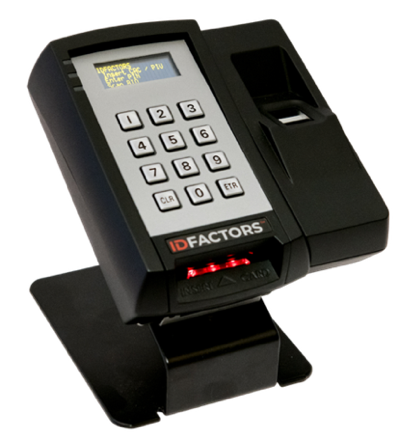
A compatible TrustPoint Reader authenticates the card and passes its identifier to your physical access control system (PACS). Your PACS applies the permissions assigned to that person.
-
Manage changes and departures
Use Authara to update or replace supported credentials. Set a process for lost cards and offboarding that covers both credential status and removing door permissions in your PACS.
Plan your first credential rollout
Tell us who needs cards, how you manage access today and what your site requires. We can help you identify the Authara and TrustPoint components to evaluate.
Talk to us about Authara Explore Authara