
Issue with Authara.
Create and personalize TrustPoint PIV-C credentials through a guided desktop workflow.
Explore Authara →The identity layer
Authara issues the credential. TrustPoint verifies it at the door. Your existing PACS applies access permissions.
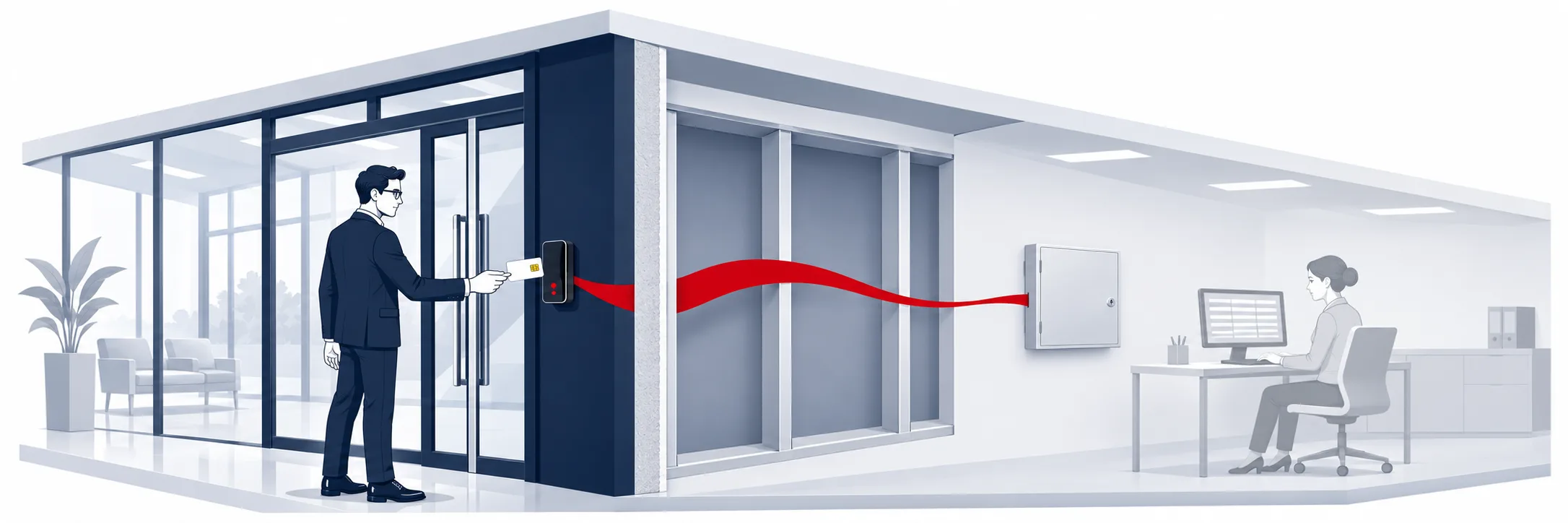
A credential number tells an access system which record to look up. With cryptographic authentication, the reader verifies the credential before sending its ID to the controller.
TrustPoint Cards and Readers add that verification at the door. Authara brings issuance and credential management together. The PACS then decides who can enter, where and when.
Watch a copied card meet a number-only reader, then the identity layer.
Create and personalize TrustPoint PIV-C credentials through a guided desktop workflow.
Explore Authara →The reader challenges the credential and verifies its response before passing the identifier onward.
Explore the readers →Your PACS applies its configured permissions to the identifier it receives.
Explore an existing-system upgrade →Introduce TrustPoint credentials and authenticating readers where needed. Configure the reader for the credential format and controller interface.
For compatible deployments, retain the controller, access rules and credential-number mapping. Confirm site-specific integration before rollout.
You can supply supported signing hardware and keep control of your certificate authority (CA) signing key. Authara uses that hardware to sign certificates, and the key stays on the device.
As cryptography evolves, the credential and its verification become an important part of long-term access-control planning.
Explore post-quantum credential security →Let’s talk
Tell us about your credentials, readers and access system.
Contact sales